Exercise 9 : Grade Calculator
In this exercise, we want to calculate the grade of a student based on their marks in different subjects. We pass an array of marks to a function called calculateGrade.
The Logic
First, the function calculates the average grade.
-
Example Calculation:
-
Marks: 80, 80, 50
-
Sum: 80 + 80 + 50 = 210
-
Average: 210 / 3 = 70
-
Next, we need a table to see what grade this average corresponds to:
-
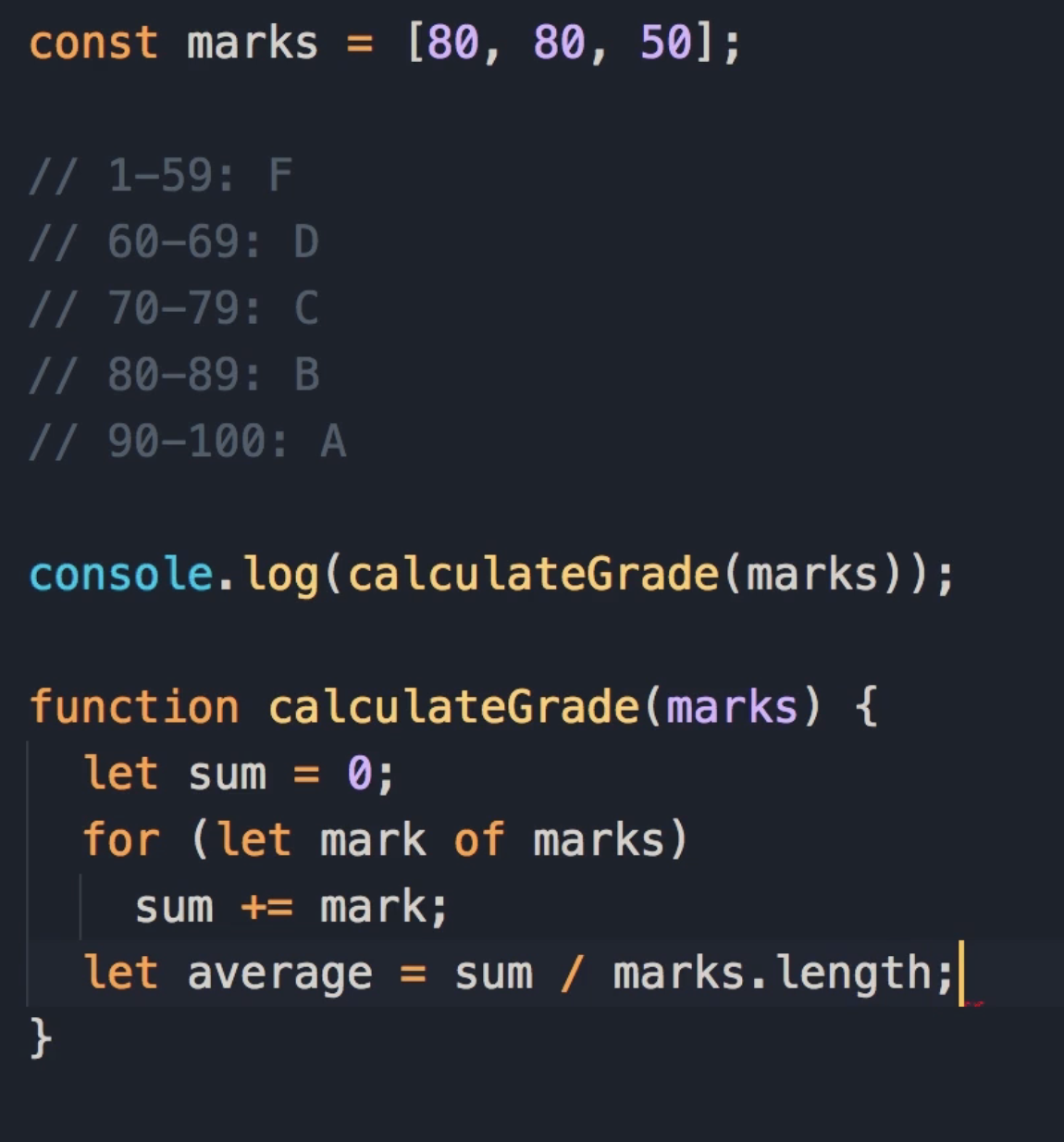
0 - 59: F
-
60 - 69: D
-
70 - 79: C
-
80 - 89: B
-
90 - 100: A
Student Pause Point: Spend 5 to 10 minutes on this exercise. When you are done, come back and continue reading to see the solution.
Solution:
Phase 1: Calculating the Average
To calculate the average, we first need to calculate the sum of all the marks.
-
Declare a variable like
sumand initialize it to 0. -
Use a
for...ofloop to iterate over the array of marks. -
In every iteration, get the
markand add it tosum.
function calculateGrade(marks){
 let sum = 0;
 for (let mark of marks)
   sum += mark;
}
Teaching Explanation: Now that we have the total, to get the average, we need to divide sum by the number of marks (which is marks.length).
In JavaScript,
.lengthis a property that tells you how many items are in an array or how many characters are in a string.In the context of this exercise:
marks.lengthgives the total number of subjects (grades) inside themarksarray.It was used to calculate the average:
sum / marks.length(Total Score divided by the Number of Subjects).Example:
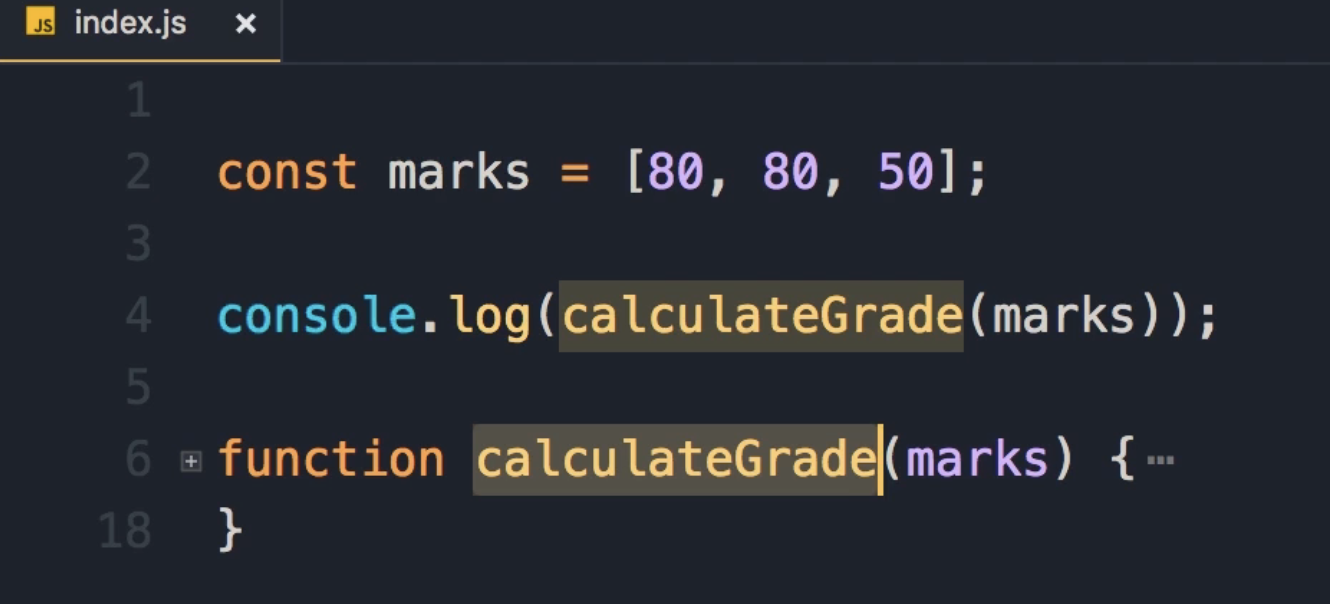
const marks = [80, 80, 50];
console.log(marks.length); // Output: 3
Phase 2: Mapping Average to Grade (Logic Optimization)
Now that we have the average, we need to map it to a grade using our table.
The "Noisy" Approach
One way to calculate the grade is using specific ranges with logical AND operators.
// Range 0 to 59
if (average >= 0 && average <= 59)
  return 'F';
Instructor Critique:
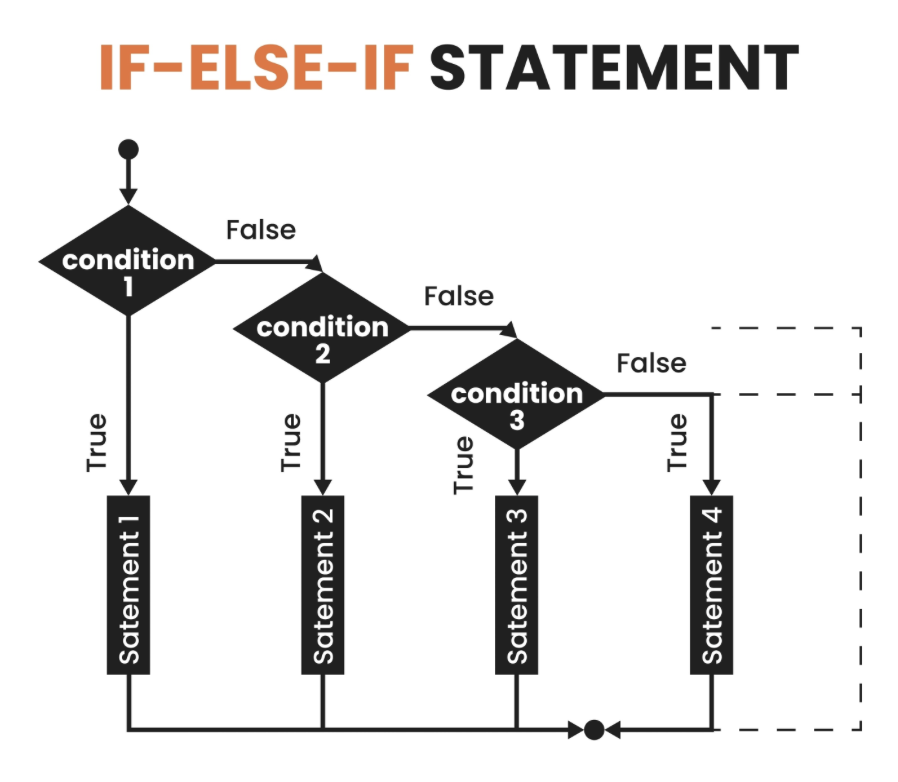
This code is a little bit ugly. There is so much "noise" in this code. Instead of having two conditions along with the logical AND operator, we can simplify this expression.
The Simplified Approach
We can remove the lower bound check. Because the range for F is 0 to 59, as long as the average is less than 60, we get the same result. See the code below:
if (average < 60) return 'F'; // because the range is from 0 to 59
Leonardo Da Vinci Quote:
"Simplicity is the ultimate sophistication."
You should always aim for the simplest solution. Using this pattern, we can calculate the other grades by just checking the upper limit.
Revised Logic:
-
If
average < 60: Return F. -
If
average < 70: Return D. (If we get to this point, it means the average is at least 60. So we only check if it is between 60 and 69). -
If
average < 80: Return C. -
If
average < 90: Return B. -
If we get past these points, the average is at least 90, so we can simply return A. See the code below
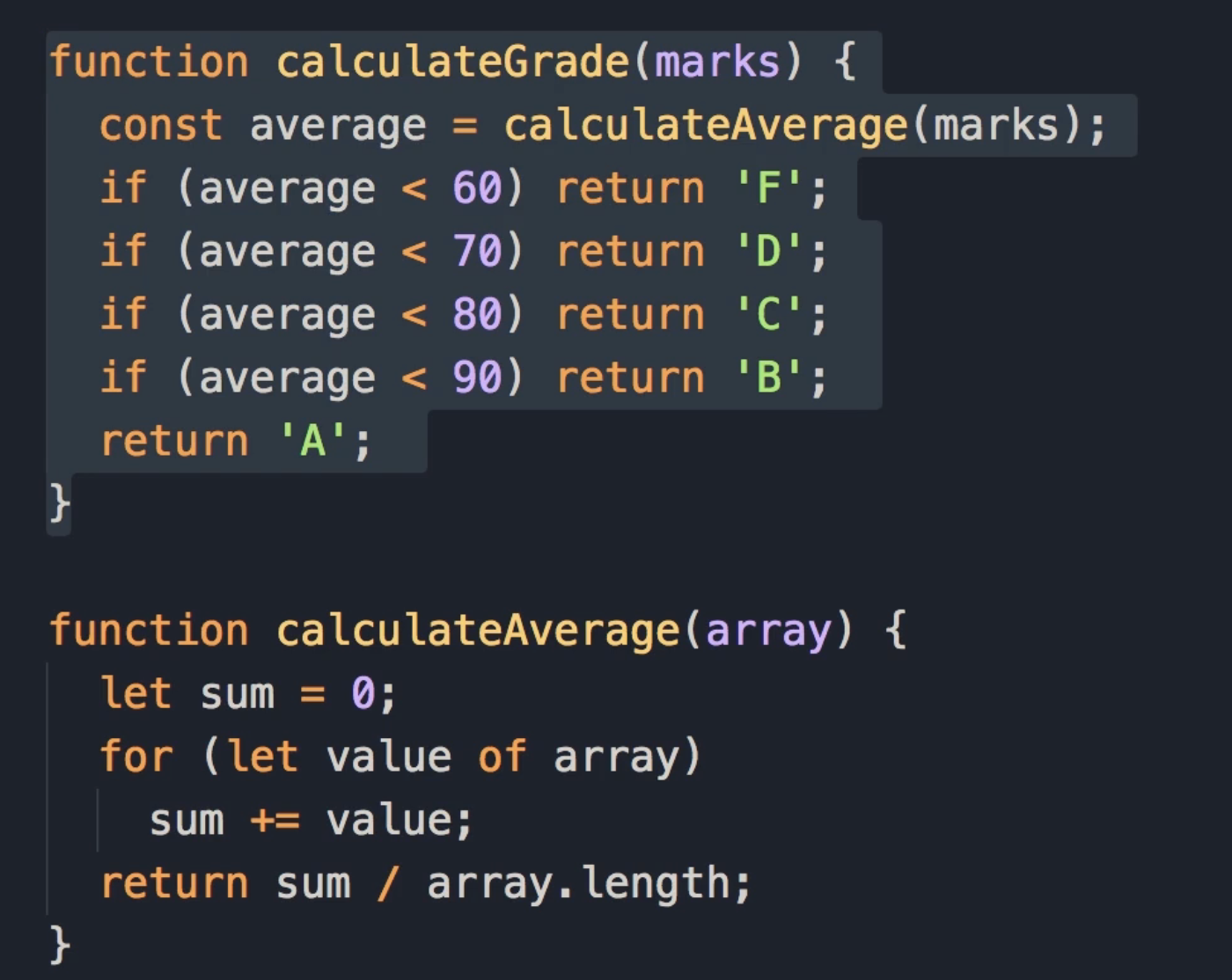
if (average < 60) return 'F';
if (average < 70) return 'D';
if (average < 80) return 'C';
if (average < 90) return 'B';
return 'A';
Final Code:
function calculateGrade(marks){
    let sum = 0;
    for (let mark of marks)
        sum += mark;
    let average = sum/marks.length;

    if (average < 60) return 'F';
    if (average < 70) return 'D';
    if (average < 80) return 'C';
    if (average < 90) return 'B';
    return 'A';
}
Phase 3: Refactoring (Single Responsibility Principle)
Now we can make this code even better. While the function is fairly simple (about 10 lines), it is doing two different things:
-
Calculating the average.
-
Mapping the average to a grade.
Key Concept: Single Responsibility Principle
Think of a restaurant.
-
The Chef: Responsible for cooking (doesn't take orders).
-
The Manager: Responsible for managing the restaurant at a high level.
Each person has a distinct role. We have the same concept in programming. Functions should be small and focused on only one thing.
Refactoring Steps
-
Extract the Logic: We can cut the average calculation logic and put it in a separate function.
-
Make it Generic:
-
Rename the parameter from
markstoarray. -
Rename the loop variable from
marktovalue.
-
IDE Tip: Put the cursor on the variable name and press F2 to rename it across the function.
This makes the function generic.
-
It can be an array of marks, temperatures, or anything else. (look at the code for calculateAverage function)
-
We can reuse this function in the future whenever we need to calculate the average of a bunch of numbers.
The Generic Average Function:
function calculateAverage(array) {
  let sum = 0;
  for (let value of array)
    sum += value;

  // We can return the expression result directly
  return sum / array.length;
}
The Final Grade Function: Now we simply reuse our new function inside the original one.
function calculateGrade(marks) {
  const average = calculateAverage(marks);

  if (average < 60) return 'F';
  if (average < 70) return 'D';
  if (average < 80) return 'C';
  if (average < 90) return 'B';
  return 'A';
}
Key Takeaway
With this change, we now have two very simple functions, and each function is responsible only for one thing.