Exercise 7 : Show Properties
Your job is to create a function called showProperties. We pass an object here, and this function should display all the properties of this object that are of type string.
Exercise Description
Let me give you an example. On the top, I'm going to define an object, like movie. Here is the object literal syntax to initialize this.
We are going to add a few properties:
-
title: Set it to a simple string (the value doesn't really matter, 'a' is enough). -
releaseYear: Set it to a number, like 2018. -
rating: Again, a number. -
director: Set it to another string.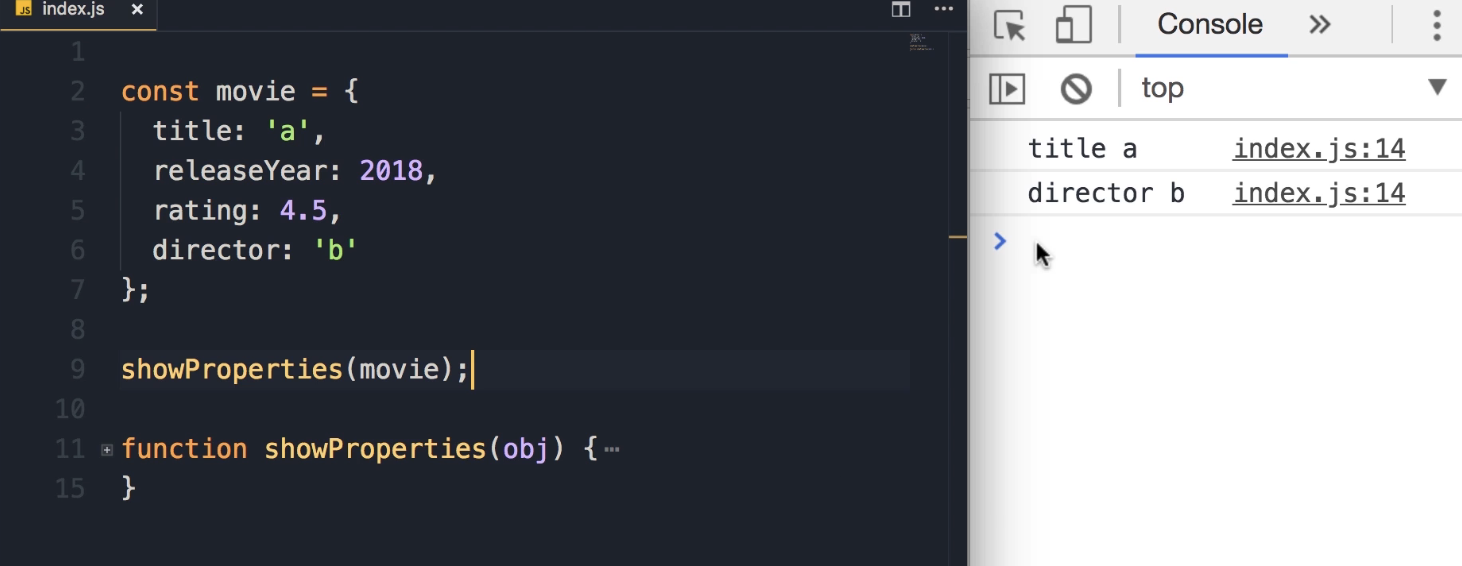
Now, if we call the function showProperties and pass this movie object, we should see the string properties of our movie object.
Goal Output:
title a
director b
Student Pause Point: "So pause the video, do the exercise and when you're done come back and continue watching."
Solution & Explanation
1. Iterating Properties
Here we need to use the for...in loop to iterate over the properties of this object.
for (let key in object) {
    // Logic goes here
}
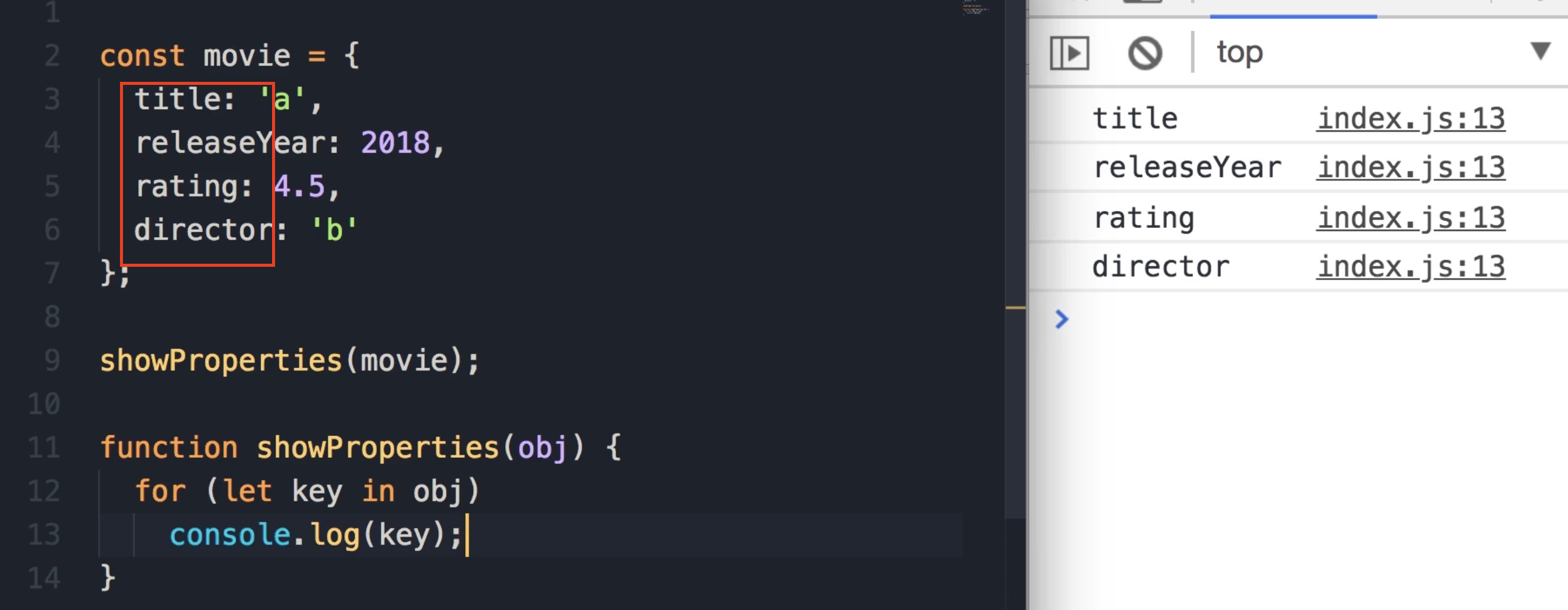
In each iteration, this key will hold the name of one of these properties. Let's have a quick look here using console.log.
Code Check:
for (let key in object)
    console.log(key);
2. Checking Value Types
Now we need to get the value of each of these properties and then check the type of that value.
-
Get the Value: To get the value of this property, we use the bracket notation:
object[key]. -
Check the Type: To check the type of this value, we use the
typeofoperator. -
Condition: We put this in an
ifstatement. If the type is a string, then we'll display the property and its value.
const movie = {
    title: 'a',
    releaseYear: 2018,
    rating: 4.5,
    director: 'b'
};

showProperties(movie);

function showProperties(obj) {
    for (let key in obj) {
        if (typeof obj[key] === 'string')
            console.log(key, obj[key]);
    }
}
Expected Output:
title a
director b